Open and Read XPS / OXPS Files with Ease

Quickly open XPS and OXPS files on your Mac — no extra software required. Whether you're working with small documents or large, complex files, everything loads fast and displays perfectly.
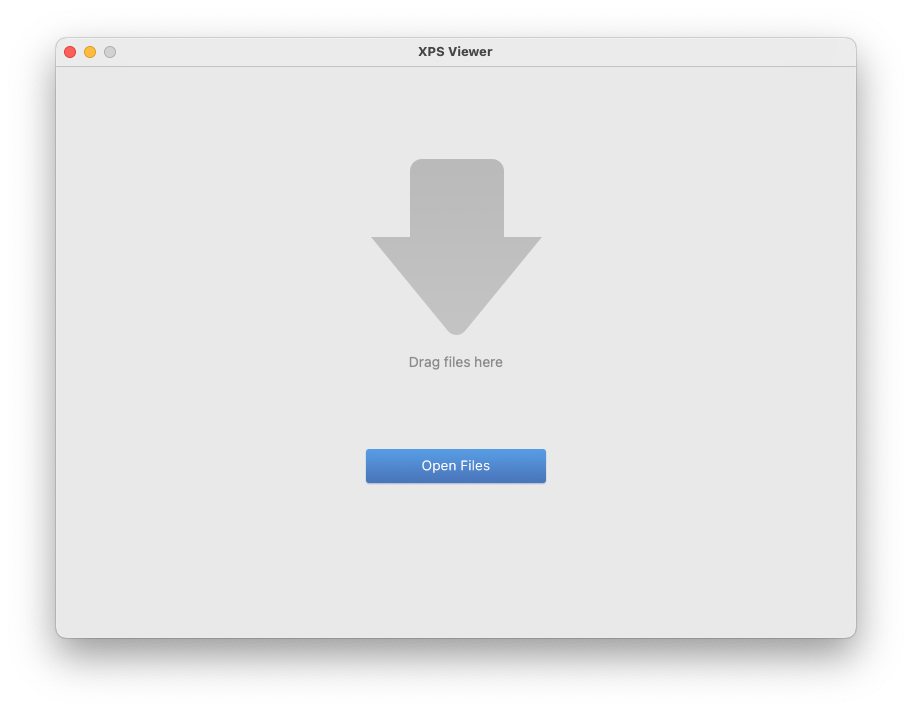
  • Drag and drop to open XPS/OXPS files instantly
  • Open multiple documents simultaneously with tab view
  • Smooth performance even with large documents
  • High-quality rendering that perfectly preserves original layout, vector graphics, sharp text, and formatting

Intuitive Navigation & Viewing Controls

Navigate and examine every detail with intuitive, Mac-native controls.
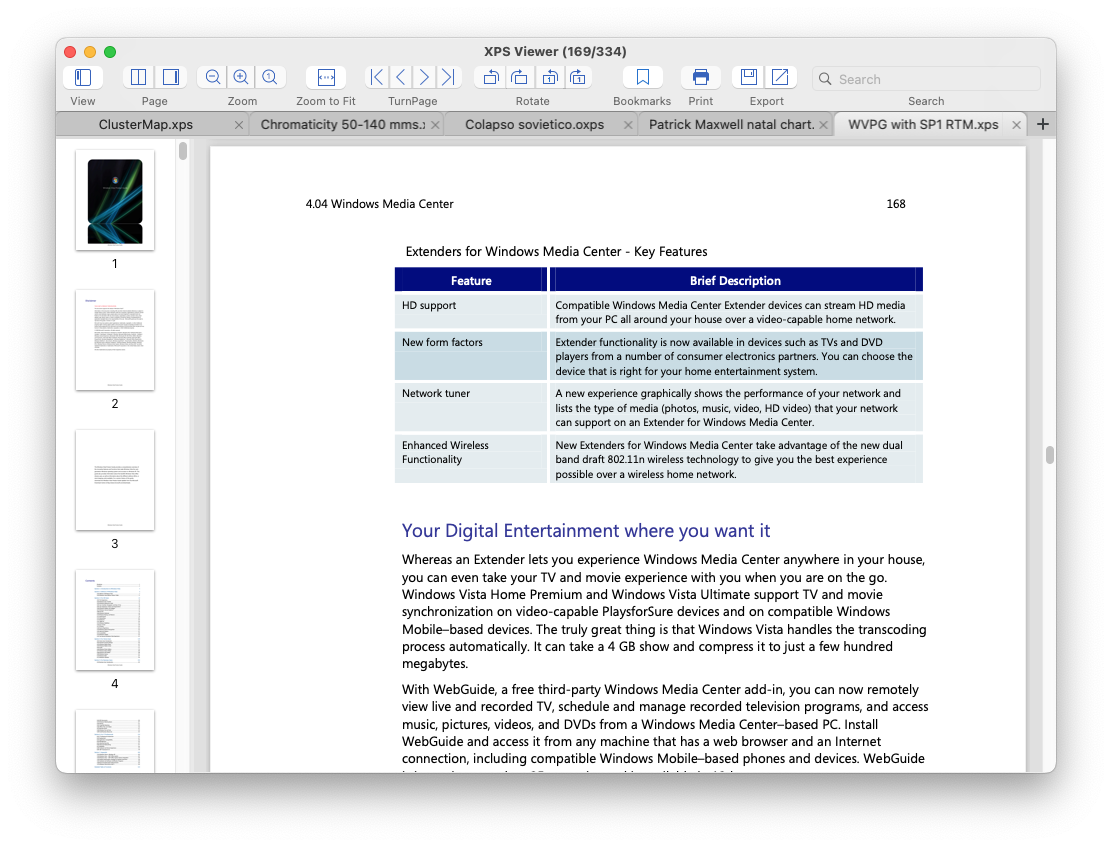
  • Flexible viewing modes - Switch between Thumbnail View (sidebar + content), Content Only, Two-Page, or Page-by-Page display
  • Smart navigation - Thumbnail sidebar for quick page overview and table of contents support
  • Jump to first page, last page, next page, or previous page with one click
  • Use Zoom to Fit, Actual Size, or custom Zoom In/Out to inspect details for optimal reading
  • Rotate pages to correct document orientation for comfortable viewing

Convert XPS Files to PDF or Extract Images

Turn XPS files into more accessible formats for sharing, archiving, or reuse — all without losing quality.
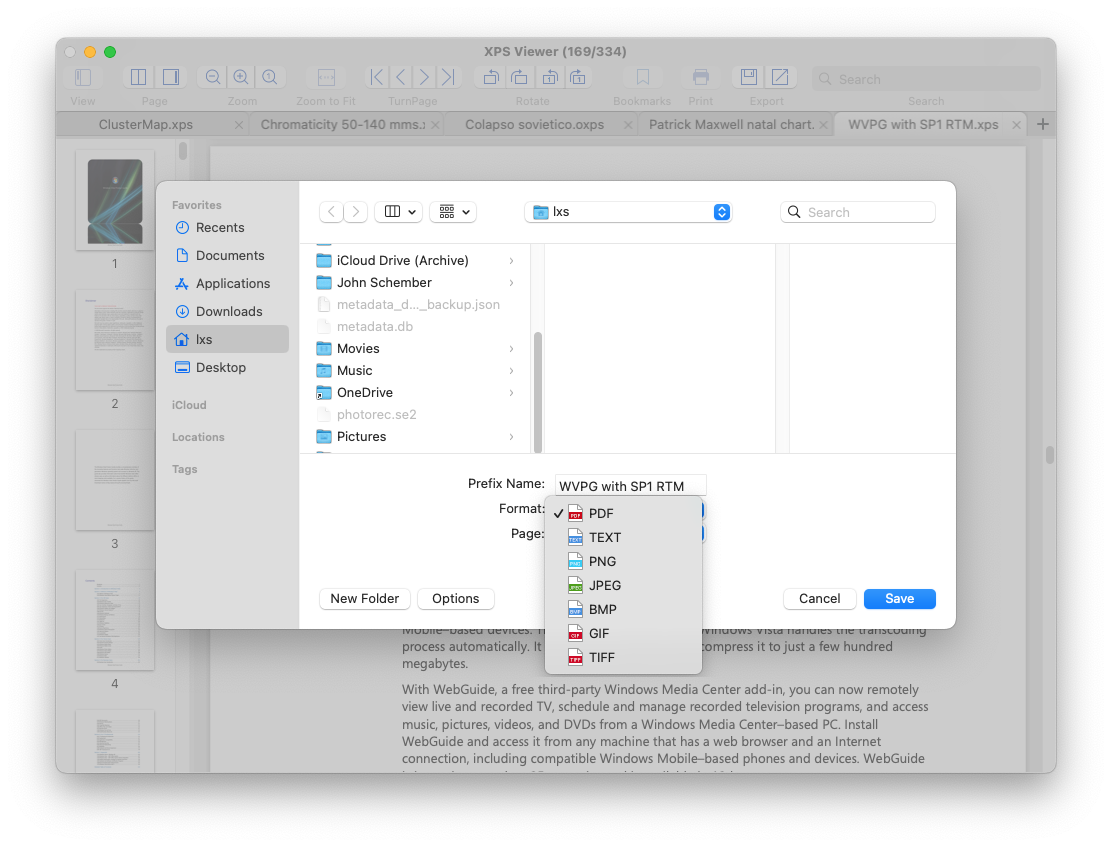
  • Convert XPS / OXPS to PDF with original formatting preserved
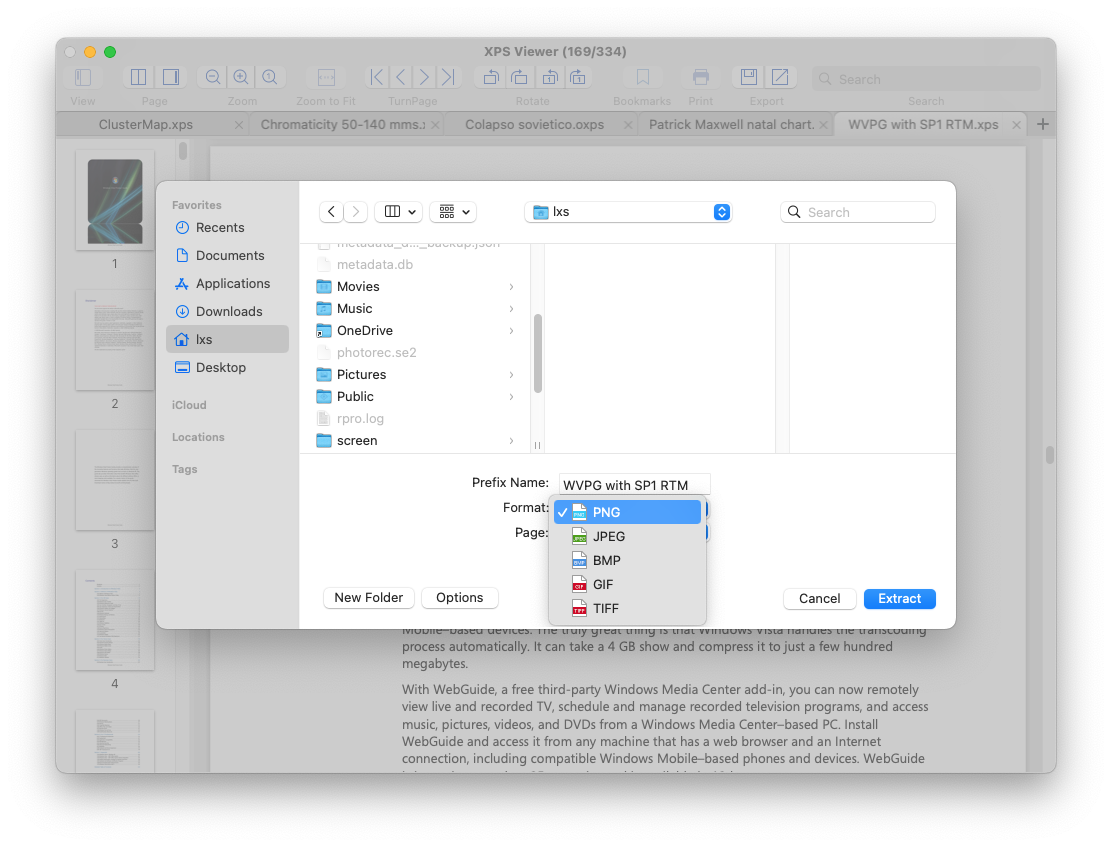
  • Extract all embedded images from XPS/OXPS documents
  • Batch conversion at ultra-fast speed
  • Fast and accurate conversion with no data loss
  • Make XPS files easier to share across platforms

Everything You Need for Everyday Use

Simple tools that make your workflow faster and more efficient.
  • Add and manage bookmarks for quick access
  • Powerful keyword search – instantly find text and copy it to clipboard
  • Print directly using macOS native print dialog with full control over page range, copies, layout, and settings
  • Fast, secure, and lightweight – no extra plugins or libraries required

Testimonial

Imani
Sudan

Enolsoft XPS Viewer has been an indispensable part of my daily workflow. It allows me to effortlessly view and manage XPS documents with ease.

Alina
USA

Enolsoft has truly enhanced my reading experience with its XPS Viewer. The software provides a smooth, intuitive interface that makes navigating through documents effortless.

Zhang
Singapore

The high-quality conversion feature delivers accurate, clean results every time, preserving the integrity of my documents. It’s a must-have tool for anyone who needs to work with XPS files and requires professional conversions.