Fast, Smooth, and Clear DjVu Reading

Enjoy a professional‑grade reading experience optimized for large and complex DjVu documents.
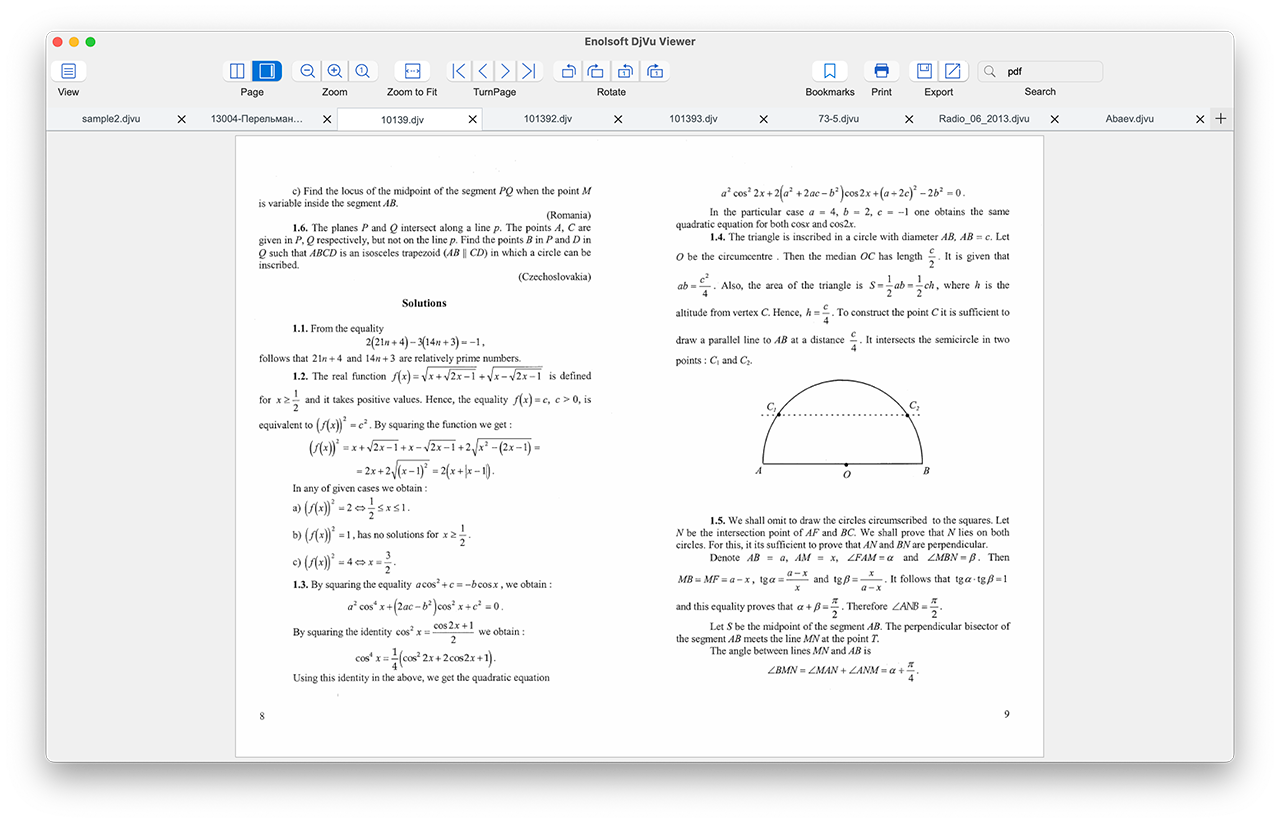
  • Zero-Lag Scrolling: Lightning-fast rendering with no lag, even with very large files.
  • Instant Open: Drag-and-drop to open single or multiple DjVu/.djv files instantly.
  • Multi-Tab Management: Open several DjVu documents at once and switch between them seamlessly with tabs.
  • Smart Sidebars: Navigate using high-quality Thumbnails or the built-in Table of Contents.

Flexible Page Navigation & Viewing Controls

Read your DjVu files the way you prefer. Enolsoft DjVu Viewer offers multiple viewing modes and tools to suit any reading style.
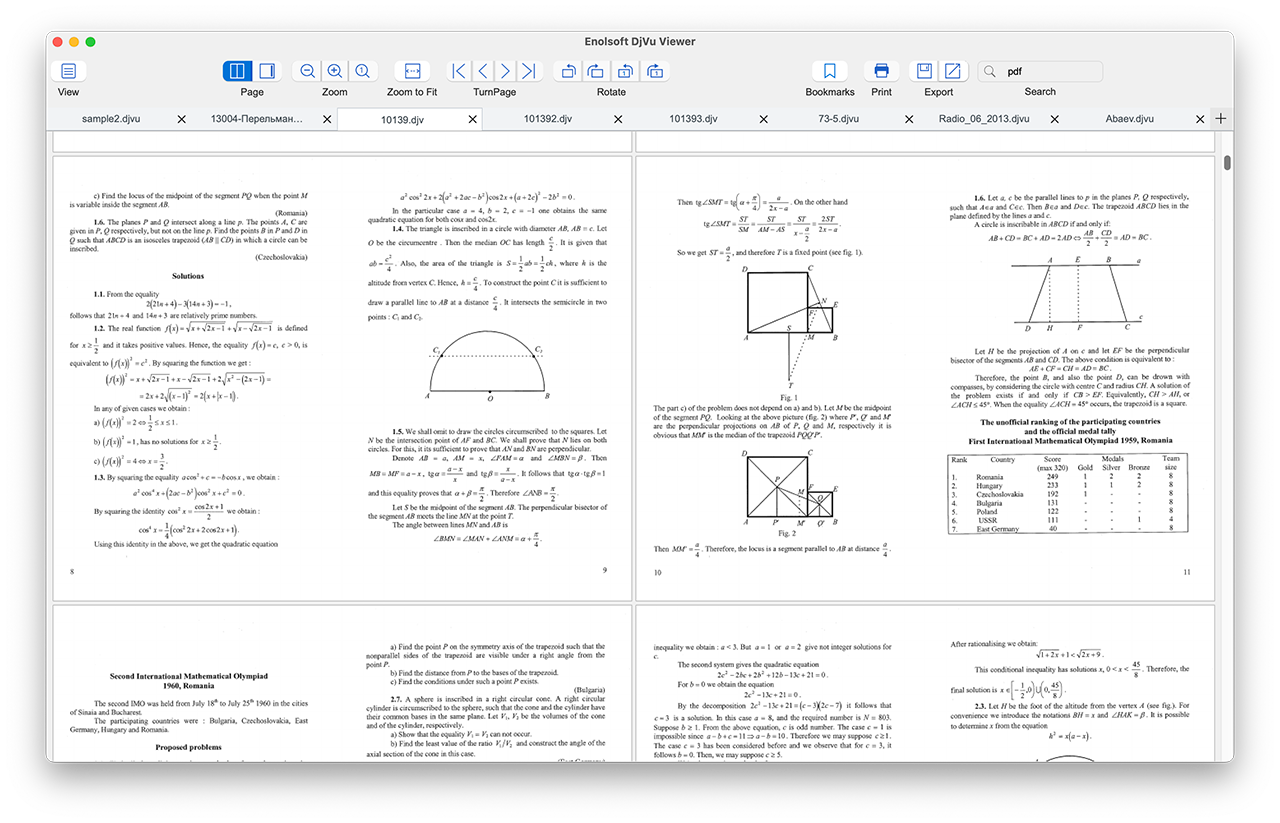
  • Versatile Layouts: Choose between Single Page, Two-Page (Book Mode), or Continuous Scrolling.
  • Precision Zoom: Zoom in, zoom out, actual size, or fit to window to catch every detail.
  • Quick page turning: First, Previous, Next, or Last page.
  • Correct Orientation: Fix upside-down scans instantly with 90° clockwise/counter-clockwise rotation for current pages or the entire document.

Smart Viewing Tools: Search, Bookmarks & Text Handling

Find what you need instantly and keep your place effortlessly.
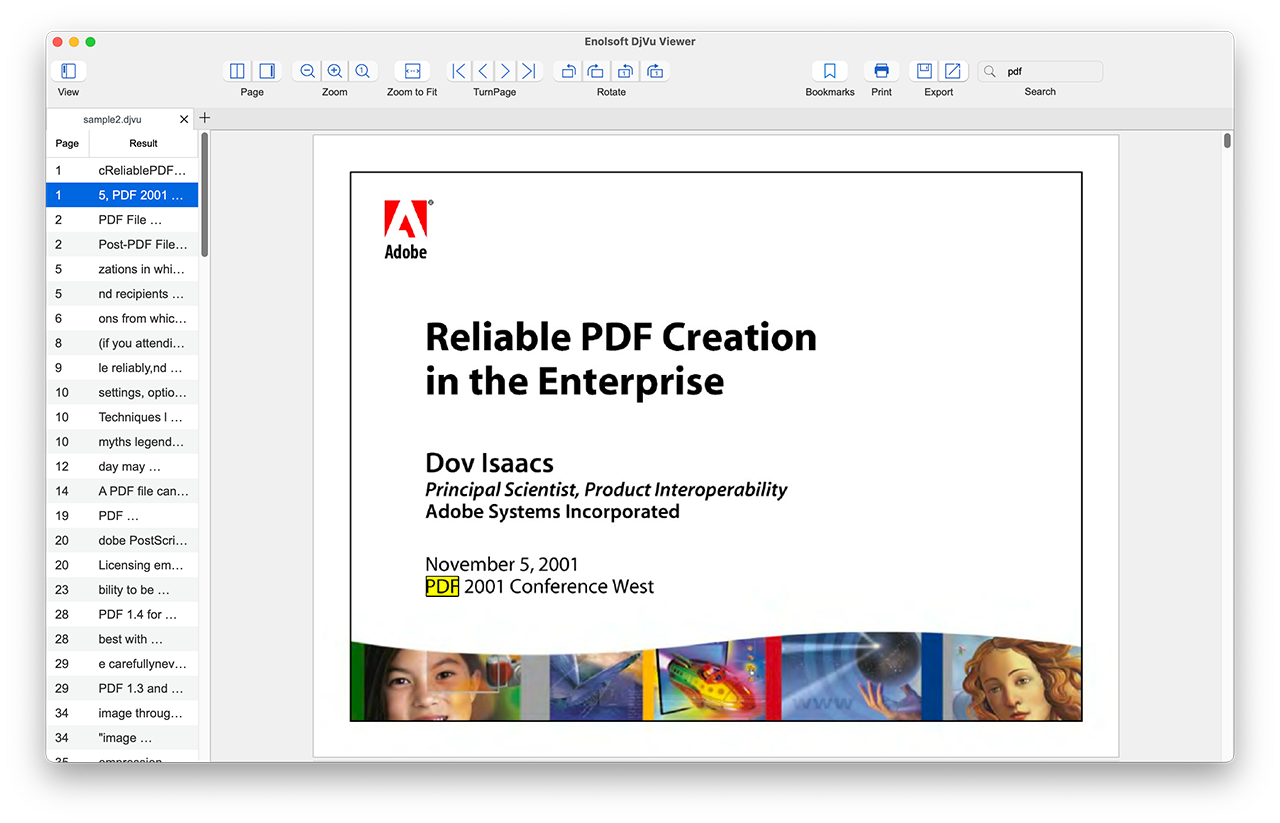
  • Advanced Keyword Search: Locate phrases, numbers, or specific text within seconds - even in complex layouts.
  • Search results highlighted for quick reference and jump directly to search results.
  • Persistent Bookmarks: Add, rename, and group bookmarks to save your progress. Never lose your place in a 500-page manual again.

High‑Quality Export & Conversion

Go beyond reading. Transform your DjVu files into universally compatible formats with zero quality loss.
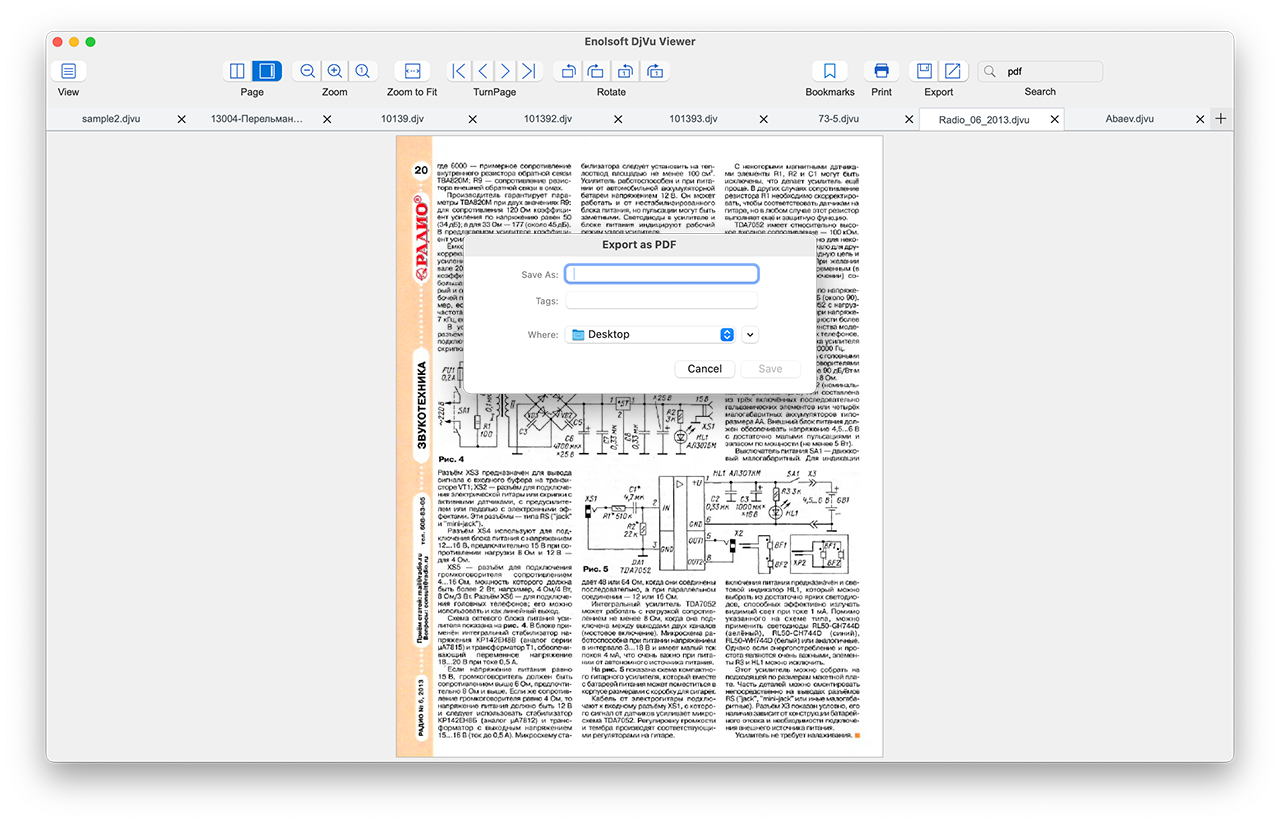
  • DjVu to PDF: Convert with one click while preserving the original formatting and layers.
  • DjVu to PNG: Convert DjVu to PNG images.
  • Direct text copying from any DjVu pages.

Professional DjVu Printing on macOS & Windows

Get hard copies exactly as they appear on screen.
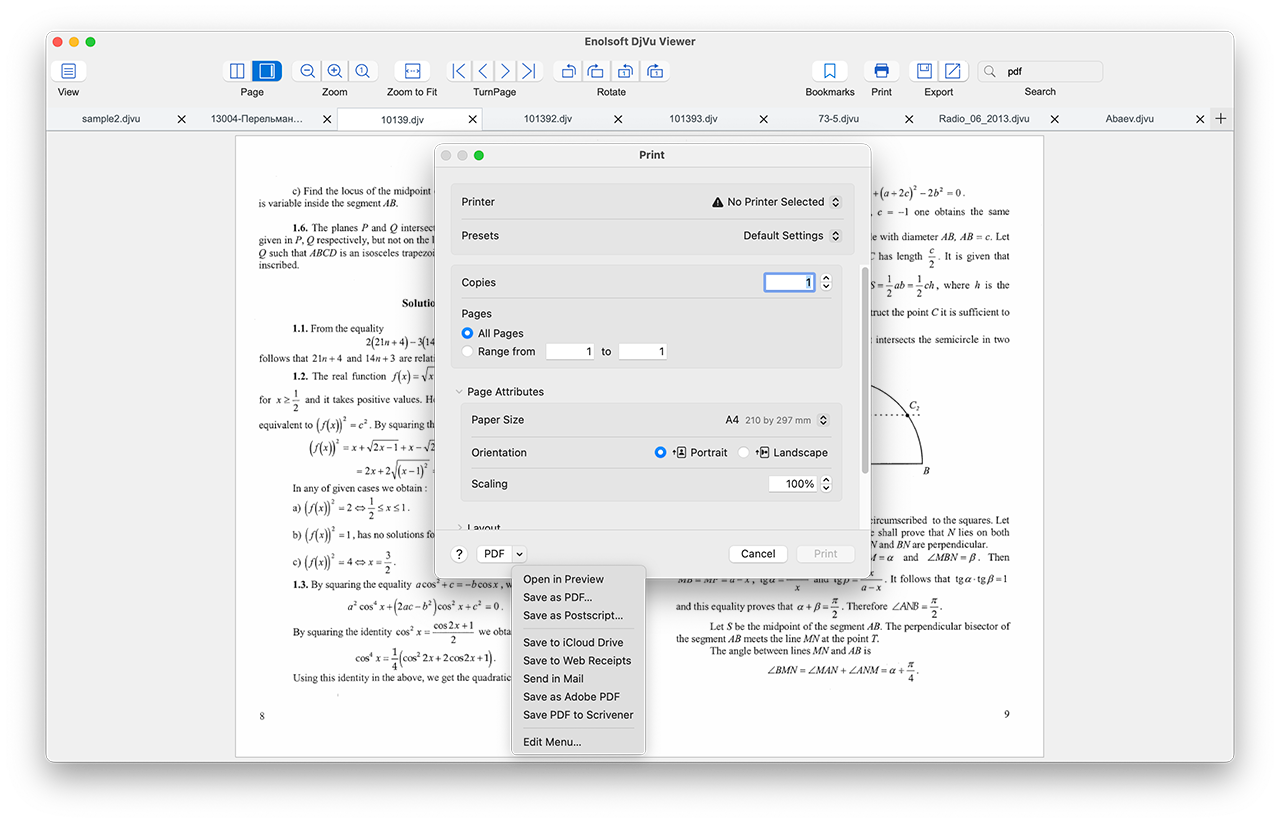
  • Full Control: Deep integration with Mac and Windows print dialogs for familiar workflows.
  • Custom Settings: Adjust page ranges, paper size, orientation, and copies directly within the app.
  • True-to-Scale: Ensures that technical drawings and fine text remain legible when printed.

Testimonial

Michael
Australia

I'm not very tech-savvy, but this app made it so easy to read my old DjVu archives. I love the two-page view - it feels like reading a real book. The bookmark feature helps me pick up right where I left off. And when I needed to print a few pages, everything worked perfectly with my printer. Great app for anyone who works with DjVu files!

Sarah
U.K

I have tons of scanned academic papers in DjVu format, and most readers I tried were either too slow or couldn't handle large files. Enolsoft DjVu Viewer opens everything instantly — even my 500+ page documents. The PDF conversion feature is a lifesaver when I need to share files with colleagues. Simple, fast, and does exactly what I need. Highly recommend!

Noah
Canada

The only viewer that doesn't crash when I open my 2GB engineering blueprints. The search function is a lifesaver.