Open and View Visio Files with Full Fidelity

Enjoy a clean, modern interface designed for effortless Visio viewing:
  • Open and view multiple Visio files instantly with simple drag and drop.
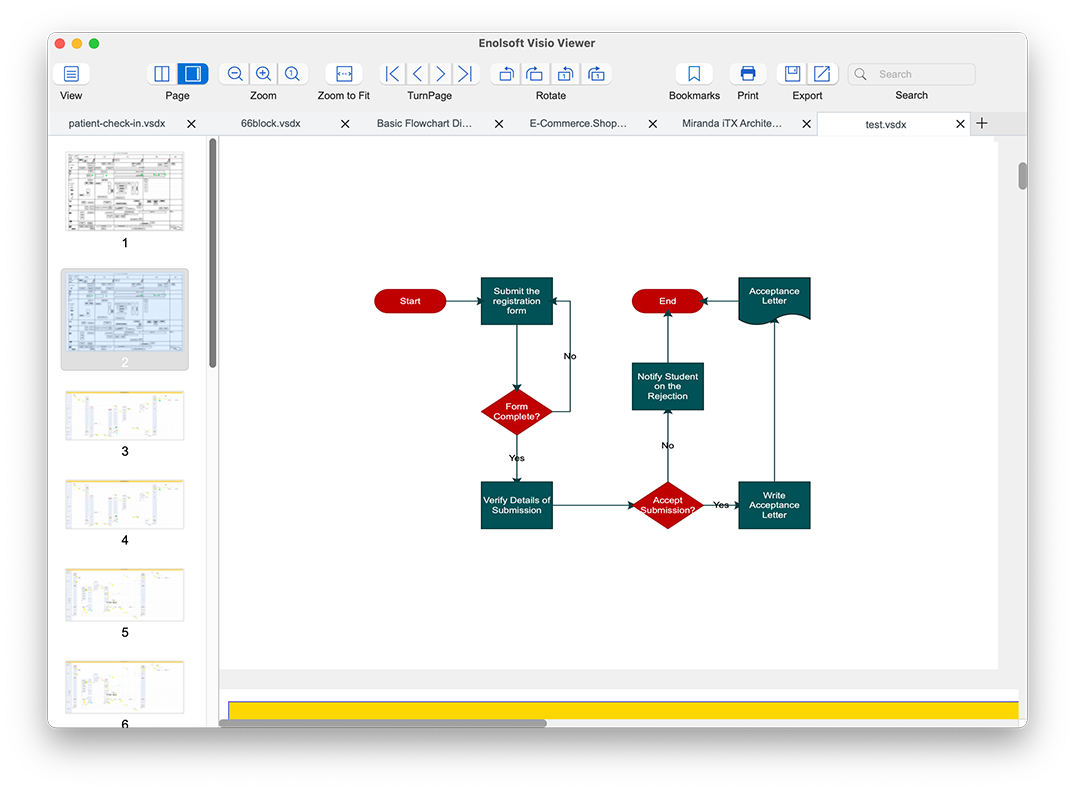
  • Switch between Thumbnails View for quick navigation across multi-page documents and Content View for a distraction-free experience.
  • Utilize Two-page mode or classic page-by-page viewing to analyze complex diagrams with ease.
  • Maintain every line, gradient, rich-formatted text, and layer exactly as they were created in Microsoft Visio.

Highly Compatible with All Visio Formats

Open popular Visio file format with confidence. No need to worry about version differences or file origins:
  • Open .VSD, .VDX, .VSDX and other common Visio formats.
  • Compatible with files created in Microsoft Visio 365, 2021, 2019, 2016, 2013, 2010, 2007, and 2003.
  • Support for Visio files exported from Lucidchart, LibreOffice, and other diagramming tools.
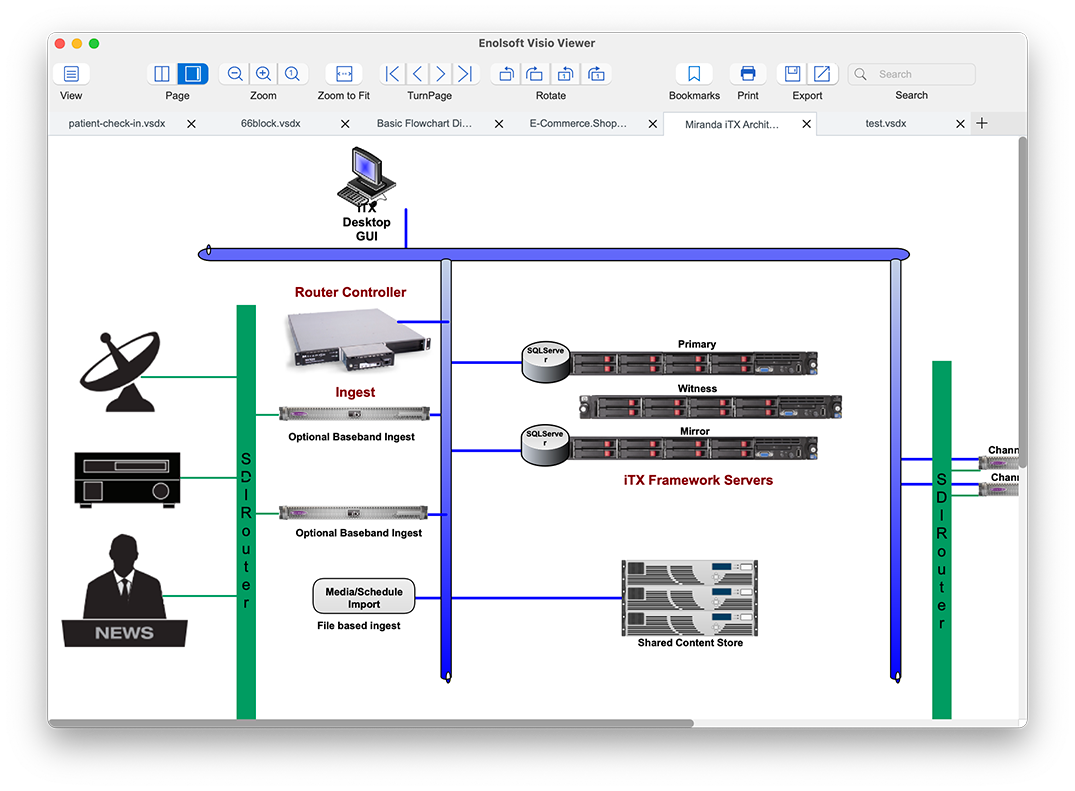
  • Support for complex flowcharts, organizational charts, network diagrams, and technical drawings.
  • Works seamlessly on both macOS and Windows, fully offline for maximum privacy.

Fast Navigation & Smart Reading Tools

Navigate complex diagrams with intuitive tools designed for detailed review:
  • Smart zooming: Zoom in, zoom out, or snap to actual size with one click.
  • Quick page navigation: Jump to first page, last page, next, or previous instantly.
  • Rotate diagrams as needed for better presentation or analysis.
  • Text Search: Quickly locate specific text, data, or elements within complex diagrams to save time.
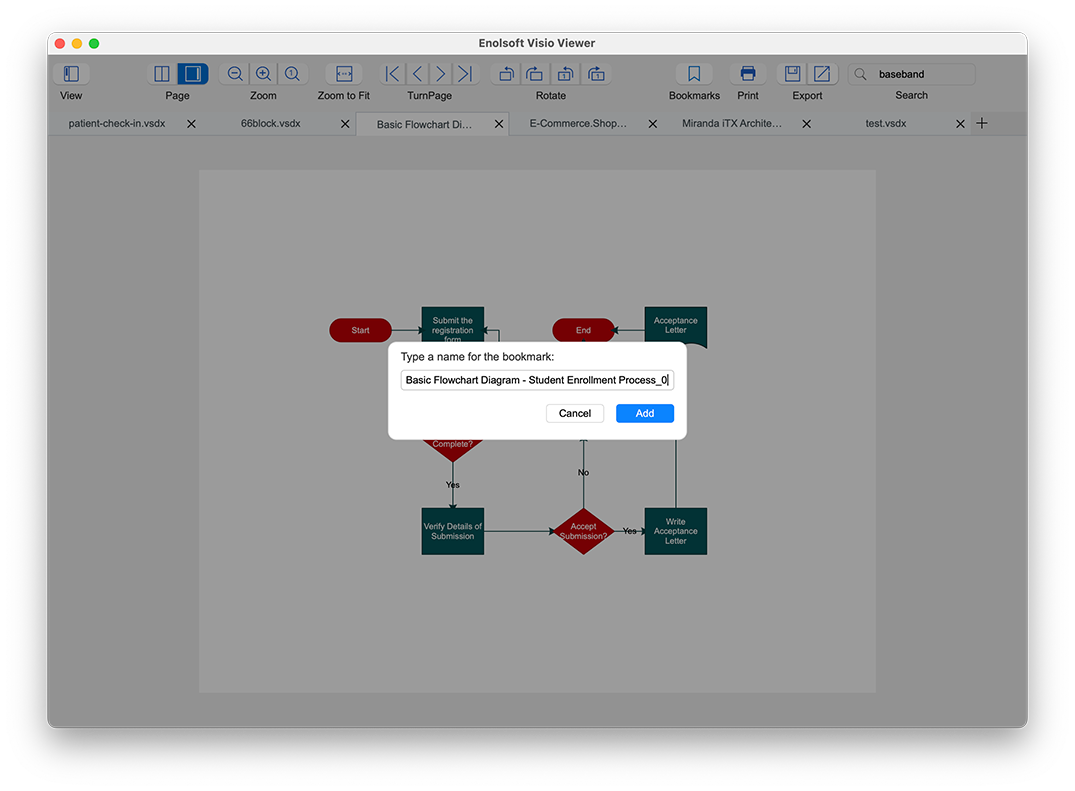
  • Smart Bookmarking: Add, rename, and group Bookmarks to tag critical sections of your Visio file for instant access later.

Export Visio Files to PDF or Extract Images

Turn your Visio files into shareable or reusable assets in seconds:
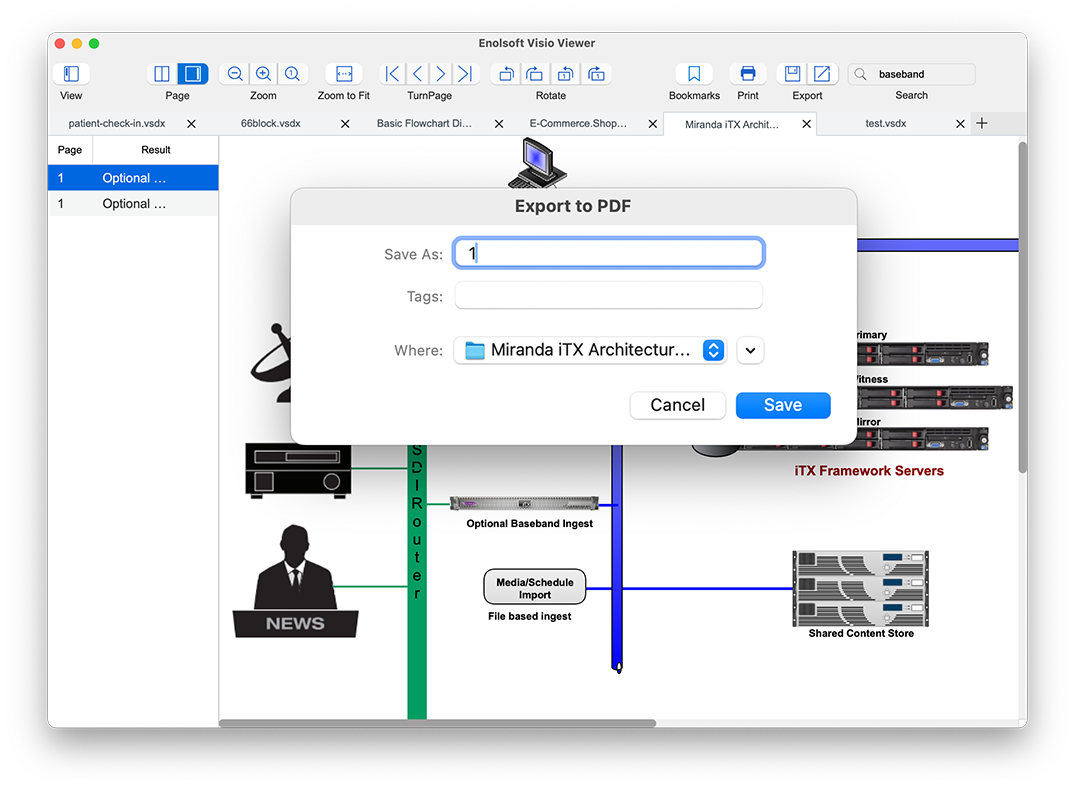
  • Export the entire file to high-quality PDF while maintaining original fidelity.
  • Extract all images from the Visio file and save them as PNG files into a single folder - ideal for repurposing assets for presentations.
  • Preserve original quality in output files.
  • High‑speed processing for large documents.

Print Visio Files with Full Control

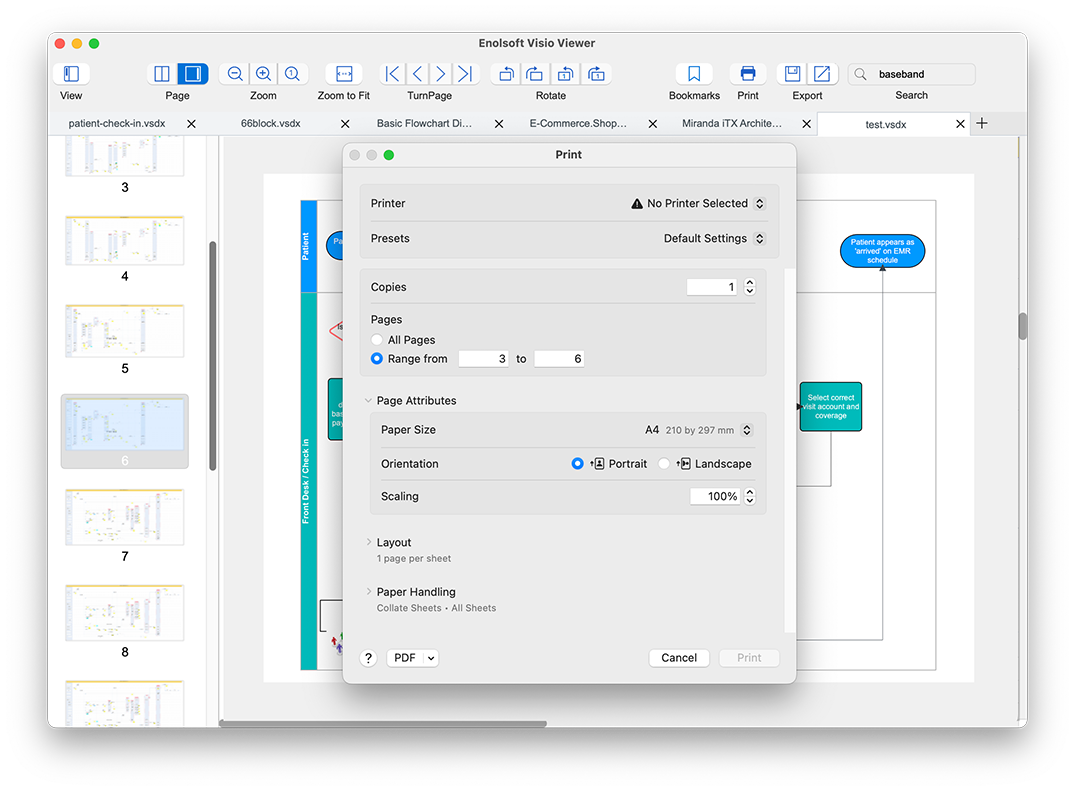
  • Print Visio diagrams directly using Mac or Windows print functions.
  • Full control over print settings: copies, page ranges, and layout options.
  • 100% Offline & Secure: Unlike online converters, Enolsoft processes your files locally on your machine. Your sensitive diagrams and data never leave your computer, ensuring total privacy.

Testimonial

Michael
Canada

After struggling with slow and clunky tools, Enolsoft Visio Viewer feels like a breath of fresh air. Exporting to PDF and extracting images is lightning-fast. Finally a reliable Visio viewer that just works!

Sarah
U.K

I've tried several Visio viewers on Mac, but Enolsoft Visio Viewer is by far the best. The new Thumbnails View and Two Pages mode make reading complex diagrams so much smoother and more intuitive. It opens large files instantly and renders everything perfectly — exactly like in Visio. Highly recommended!

David
United States

I review a lot of engineering diagrams and flowcharts on my Mac. Enolsoft Visio Viewer has become my go-to tool. The page navigation, bookmarks, and rotate feature save me so much time. It’s simple, fast, and produces perfect results every time — no more fighting with compatibility issues. Absolutely love it!
<