Open Winmail.dat Files Without Outlook


Winmail.dat files are generated when Microsoft Outlook sends emails using TNEF (Transport Neutral Encapsulation Format). Many email clients and platforms cannot interpret this format, making the message and attachments inaccessible.

Winmail Viewer automatically decodes Winmail.dat files and displays their contents in a readable format.

With just a drag and drop, you can:

  • Open Winmail.dat and ATT0001.dat files
  • Read email messages instantly
  • Access embedded attachments
  • View email details without Outlook or Exchange Server

View Complete Email Information


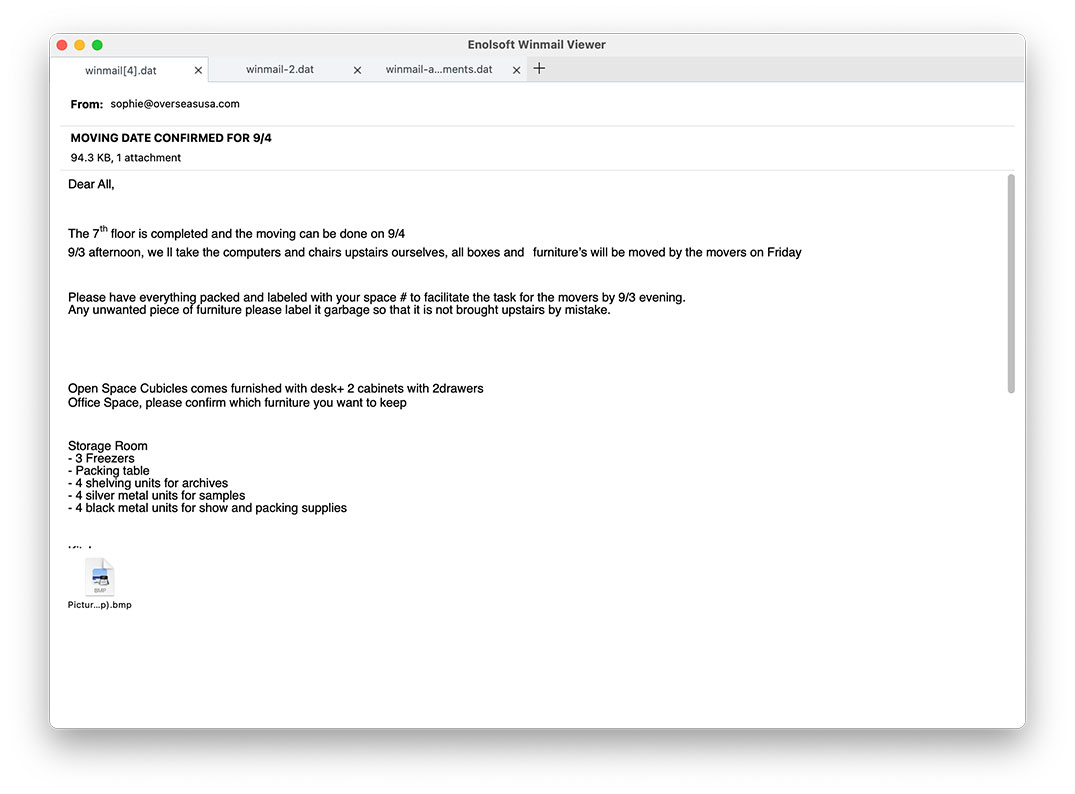
Enolsoft Winmail Viewer displays everything exactly as it was intended, preserving the original email structure:

  • Sender & Recipient Info: From, To, CC fields displayed clearly
  • Message Details: Subject line, send date, file size, attachment count
  • Body Content: Full message text in original RTF, TXT, or HTML format
  • Organized Layout: All information appears where it should be — well-structured and easy to read

No more guessing who sent what, or digging through unformatted text. Every email is presented professionally, just like the sender created it.

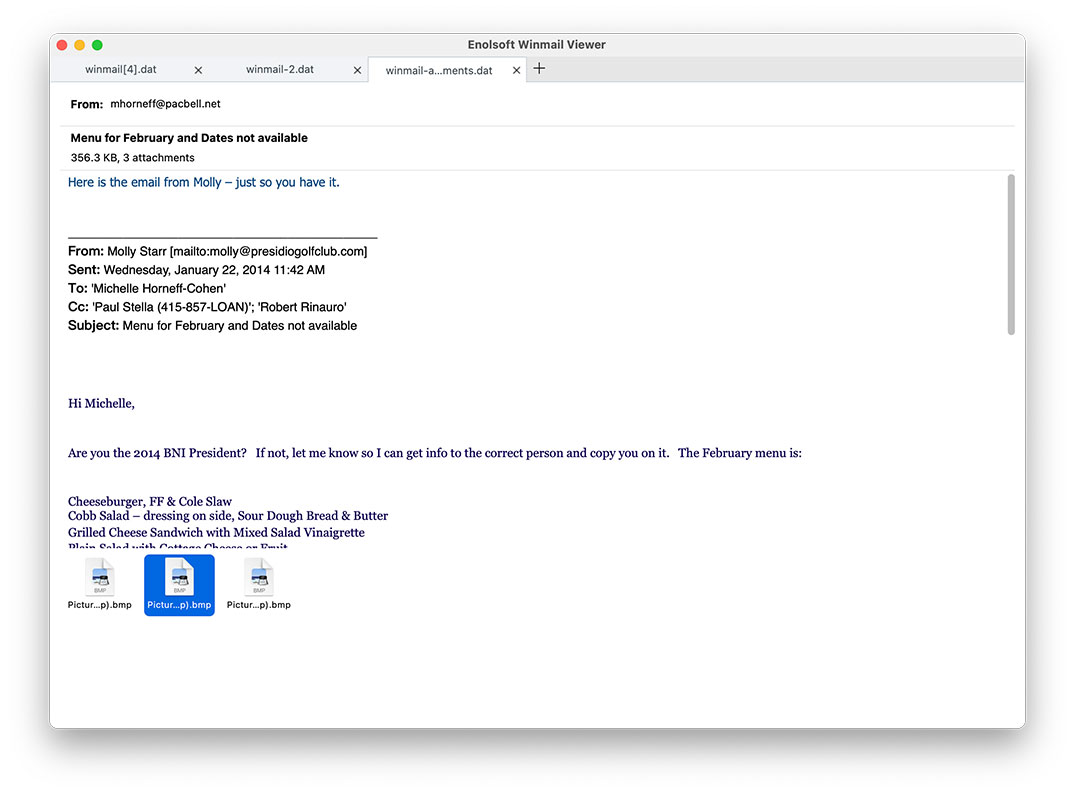
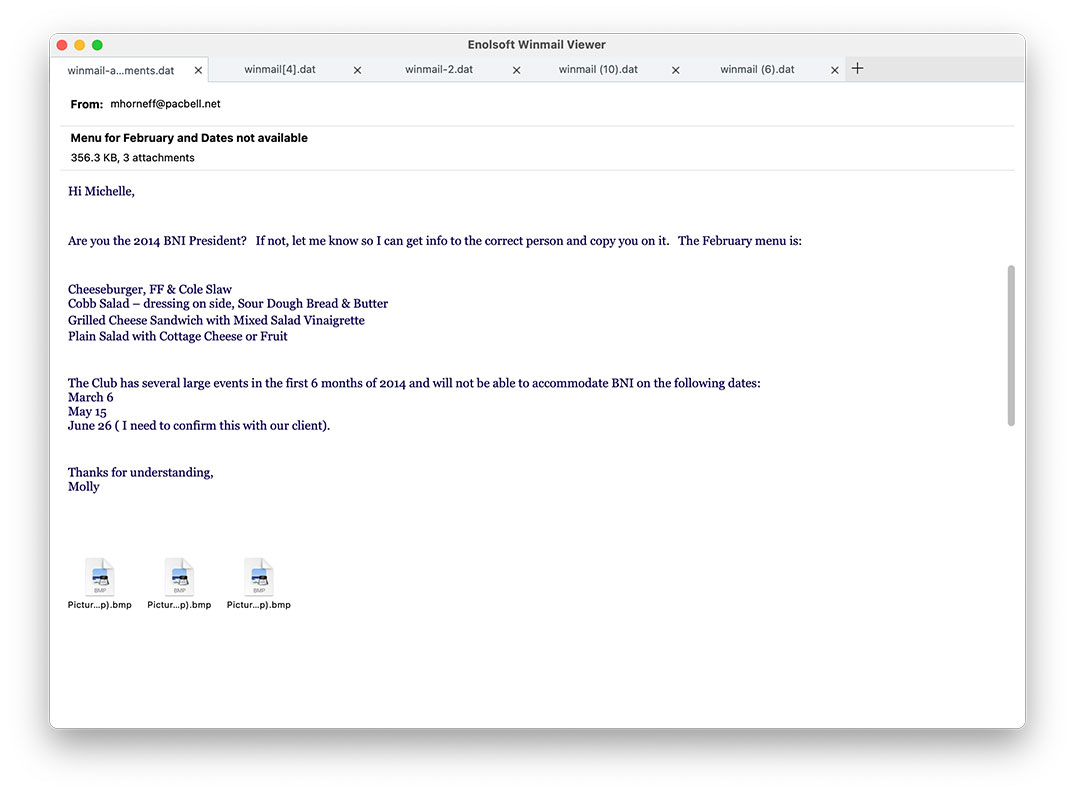
Open Multiple Winmail.dat Files in Tabs


Working with multiple Winmail.dat files? Winmail Viewer supports opening multiple files simultaneously and organizing them in convenient tabs.

  • Batch Import: Effortlessly drop a dozen or more files into the application at once
  • Quick Switching: Seamlessly toggle between different emails just like browsing tabs in a web browser
  • Save time and stay organized without constantly opening and closing files
  • Avoid the heavy system load associated with full-scale email clients
  • Opens even large Winmail.dat files smoothly

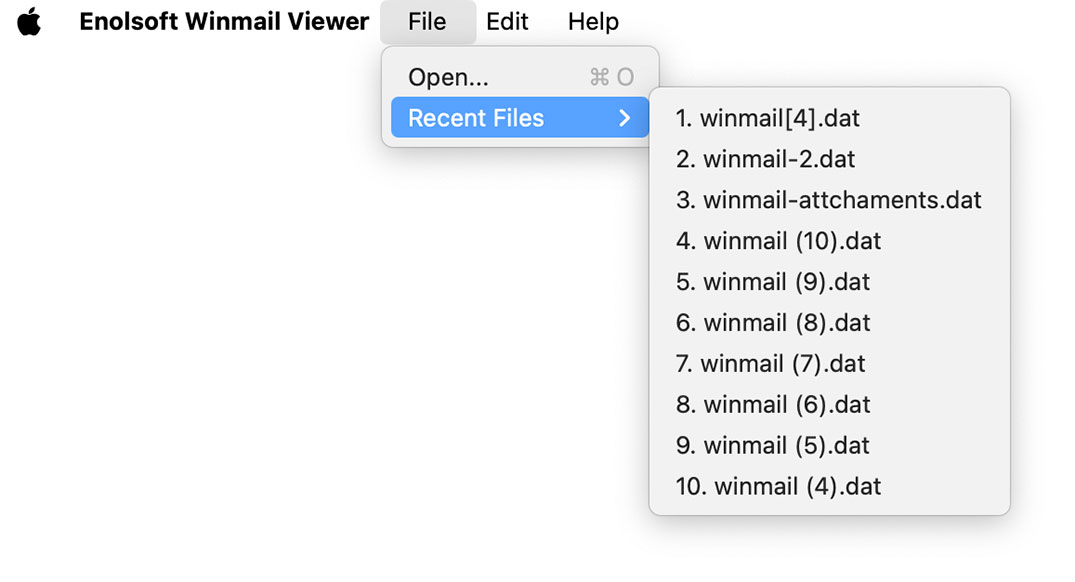
To further streamline your workflow, Winmail Viewer also keeps a history of recently opened files, making it easy to reopen previously viewed emails with just a few clicks.

Extract and Save Attachments with Ease


Attachments are automatically detected and displayed using their original filenames in a dedicated attachment panel for quick access.

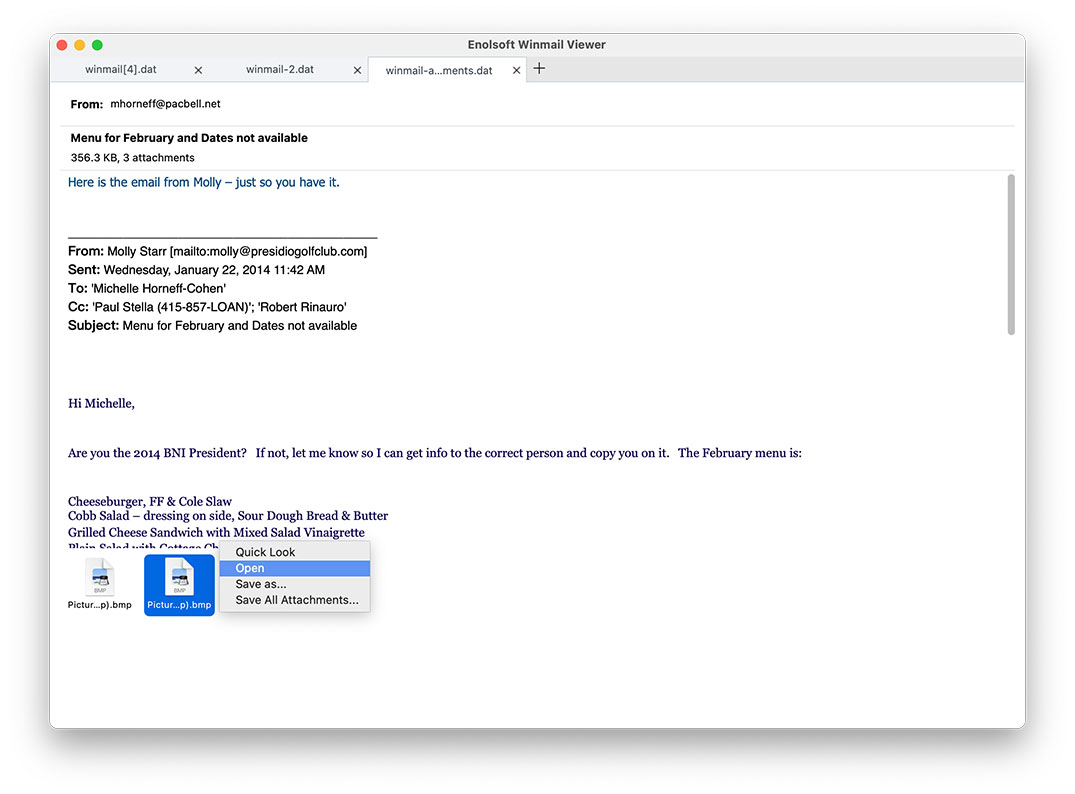
View all attachments included in a Winmail.dat file and perform common actions with a simple right-click:

  • Quick Look - instant preview
  • Open - open with the default application
  • Save As - save individual files to any location
  • Save All Attachments - extract everything with one click

Supported attachment types: Images (JPG, PNG), PDFs, Word documents (DOCX), Excel files, presentations, and virtually any file format Outlook can send.

Perfect for Anyone Who Receives Winmail.dat Files


Winmail Viewer is ideal for:

  • Business professionals receiving Outlook emails
  • Mac users who don't have Outlook installed
  • Windows users needing quick access to TNEF files
  • IT administrators and support teams
  • Anyone who wants to open Winmail.dat attachments quickly and reliably

Stop asking senders to resend attachments.

Testimonial

José
Mexico

It displays winmail.dat files exactly as they were intended, preserving the original structure and formatting. Whether it's email content, attachments, or embedded elements, everything is organized clearly and consistently.

Reed
Australia

Everything is presented in an organized list, and I can easily extract the attachments I need with just a click. It is the best letter opener ever.

Tonya
USA

The clean interface, fast loading, and clear display of message content allow me to read emails just as they were meant to be seen.