Faithful WPD Rendering

Opens WordPerfect documents from virtually every version, preserving the formatting you depend on.
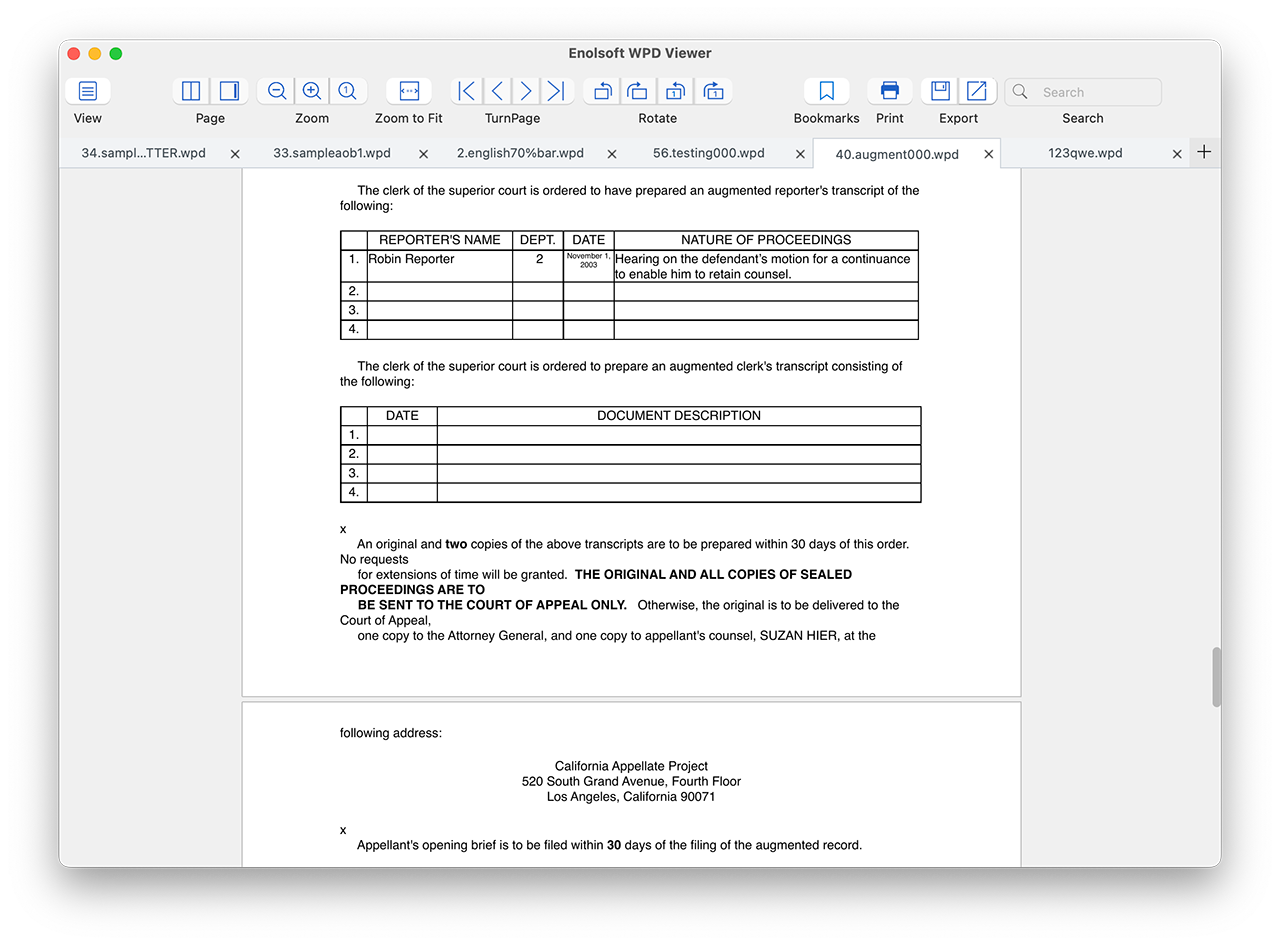
  • Text styling, footnotes, bullet lists, and line spacing retained
  • Tables, charts, and graphics rendered as intended
  • Supports .wpd, .wp, .wp4, .wp5, .wp6, .wp7 file extensions
  • Compatible with WordPerfect versions 1–11
  • Fast loading, smooth scrolling, stable performance  

Flexible Reading Modes

Choose the view that suits your workflow — from a focused single page to a side-by-side comparison layout.
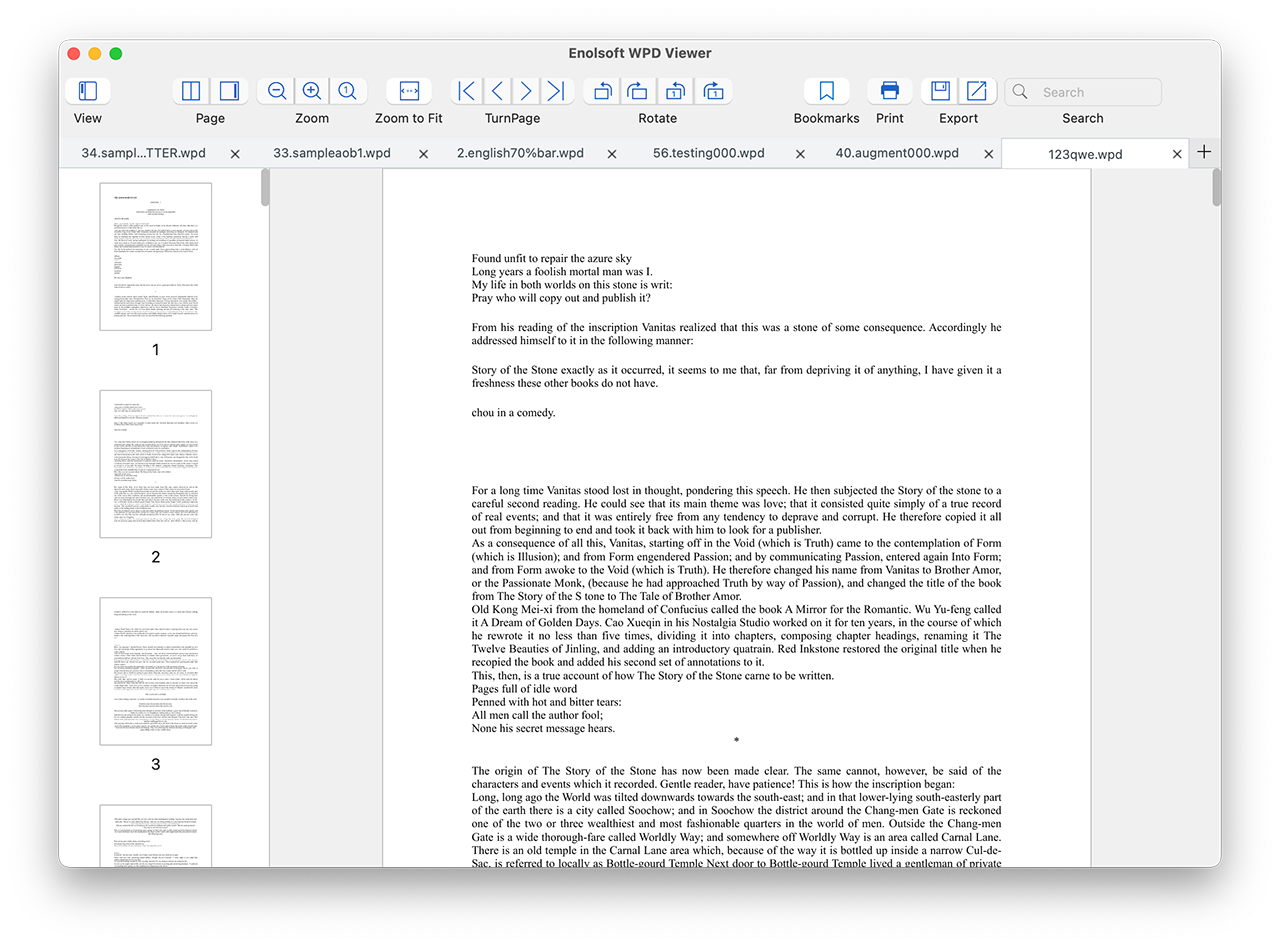
  • Tab Support - Open and switch between multiple WPD documents in a single window.
  • Thumbnails View - Page thumbnails displayed on the left with the full document content on the right, enabling quick visual navigation through your document.
  • Content Only - A clean, distraction-free reading experience with only the document content displayed.
  • Two Pages View - Read two pages side by side, just like a printed book.
  • Single Page View  - Focus on one page at a time for detailed reading.
  • Full-Screen Mode - Maximize your reading area for complete immersion.

Dynamic Navigation & Search Controls

Get the view exactly right with precise zoom and full rotation options — per page or for the whole document.
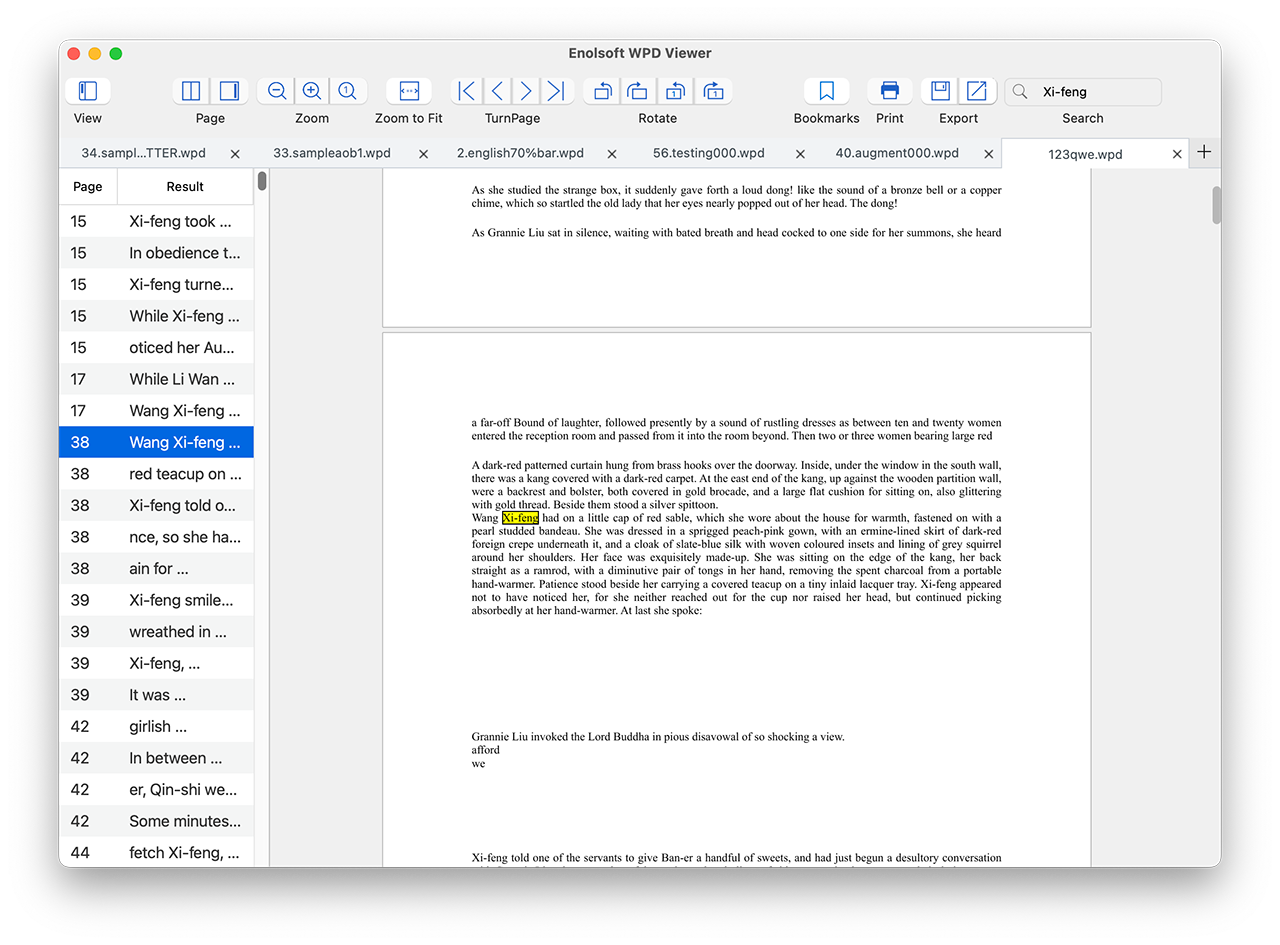
  • Quickly jump to the First Page, Previous Page, Next Page, or Last Page.
  • Utilize dynamic zoom controls: Zoom-in, Zoom-out, Actual Size, and Zoom-to-Fit.
  • Fix orientation issues instantly by rotating all pages or just the current page 90° clockwise or counterclockwise.
  • Search for specific words or phrases across the entire text and copy selections to your clipboard for research.

Smart Bookmark Management

Mark your place, name it, and return to it instantly — across multiple open documents.
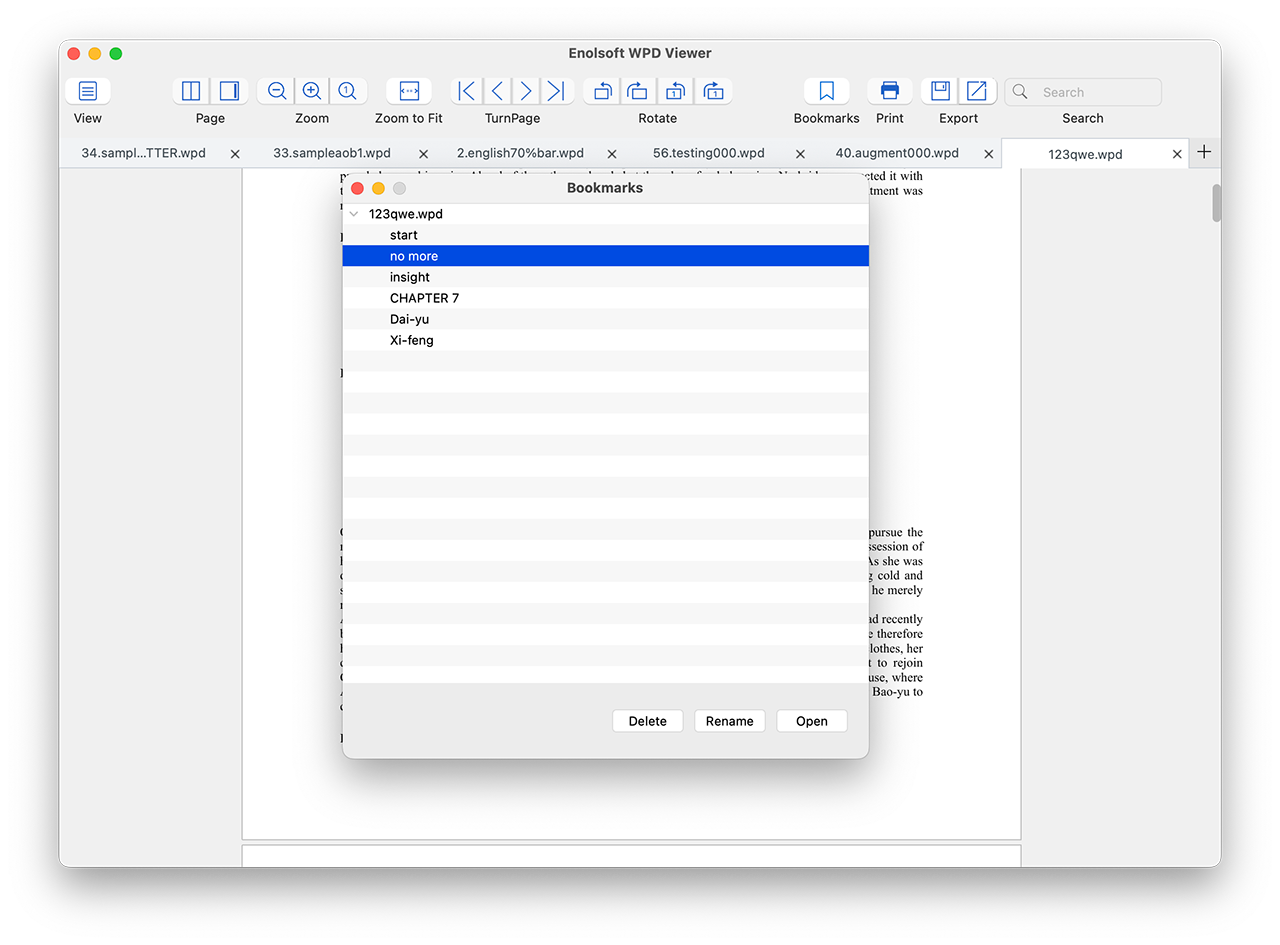
  • Add Bookmarks - Mark important pages for quick future access.
  • Manage Bookmarks - Organize, rename, and delete bookmarks as needed.
  • Quick Jump - Click any bookmark to instantly open the corresponding page.

Export to PDF & images

Convert your WPD files to widely supported formats for sharing, archiving, or further editing.
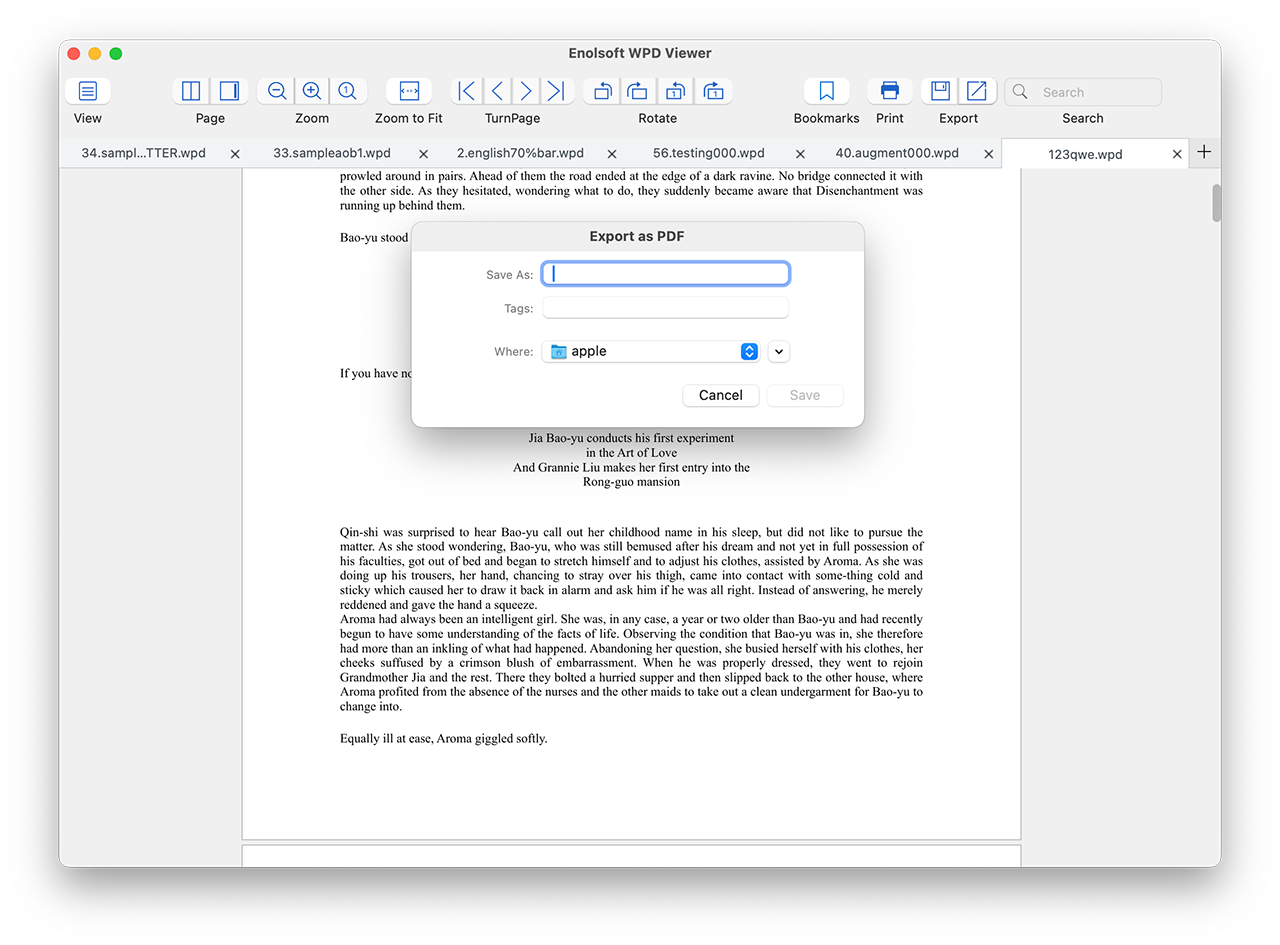
  • Export to PDF - Convert your entire document or selected pages to PDF for universal sharing, secure archiving, and reliable distribution in a non-editable, widely accepted standard.
  • Extract Images to PNG - Extract all embedded images from the document and save them as high-quality PNG files.
  • Copy to Clipboard - Select and copy text from your document for use in other applications.

Mac-native Printing

Print your WPD documents using the familiar macOS print dialog:
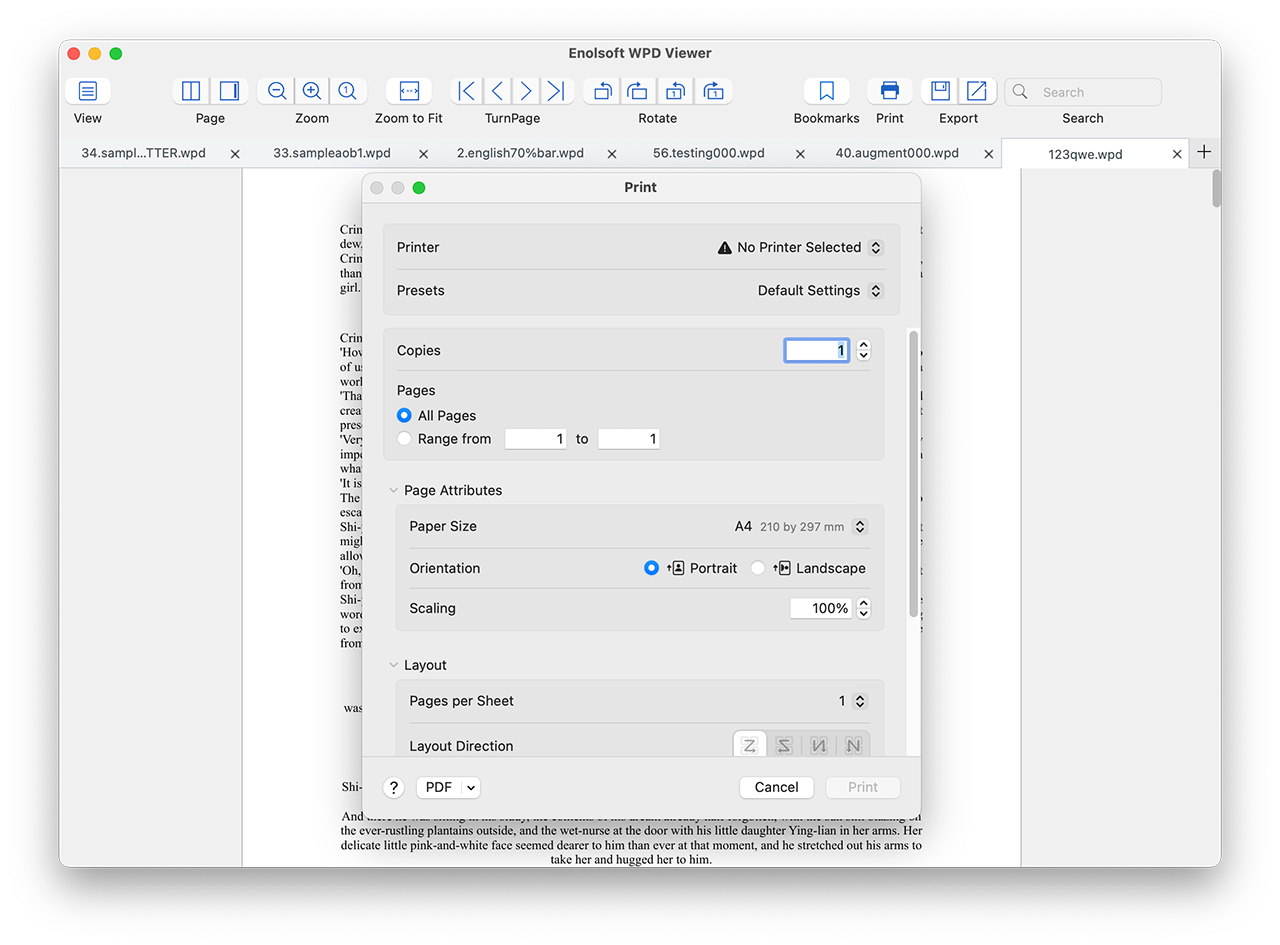
  • Set number of copies.
  • Specify page range (single pages, ranges, or all pages).
  • Choose layout options.
  • Access all standard macOS print settings – paper size, orientation, color settings, and more.

Testimonial

M. Kowalski
USA

I switched from Windows to Mac years ago and have been stuck with a folder full of old WPD files I couldn't open. This app opened every single one without a hitch.

Ashley
Switzerland

The PDF export feature is exactly what I needed. I have legal briefs going back to the early 2000s in WordPerfect format and this converts them perfectly.

Nakamura
Canada

I had hundreds of old WordPerfect files from my previous law firm. WPD Viewer opened them all instantly, and the ability to rotate pages and export to PDF made my transition to Mac completely painless.